
Your day on the mountain, sorted
Cardrona & Treble Cone App
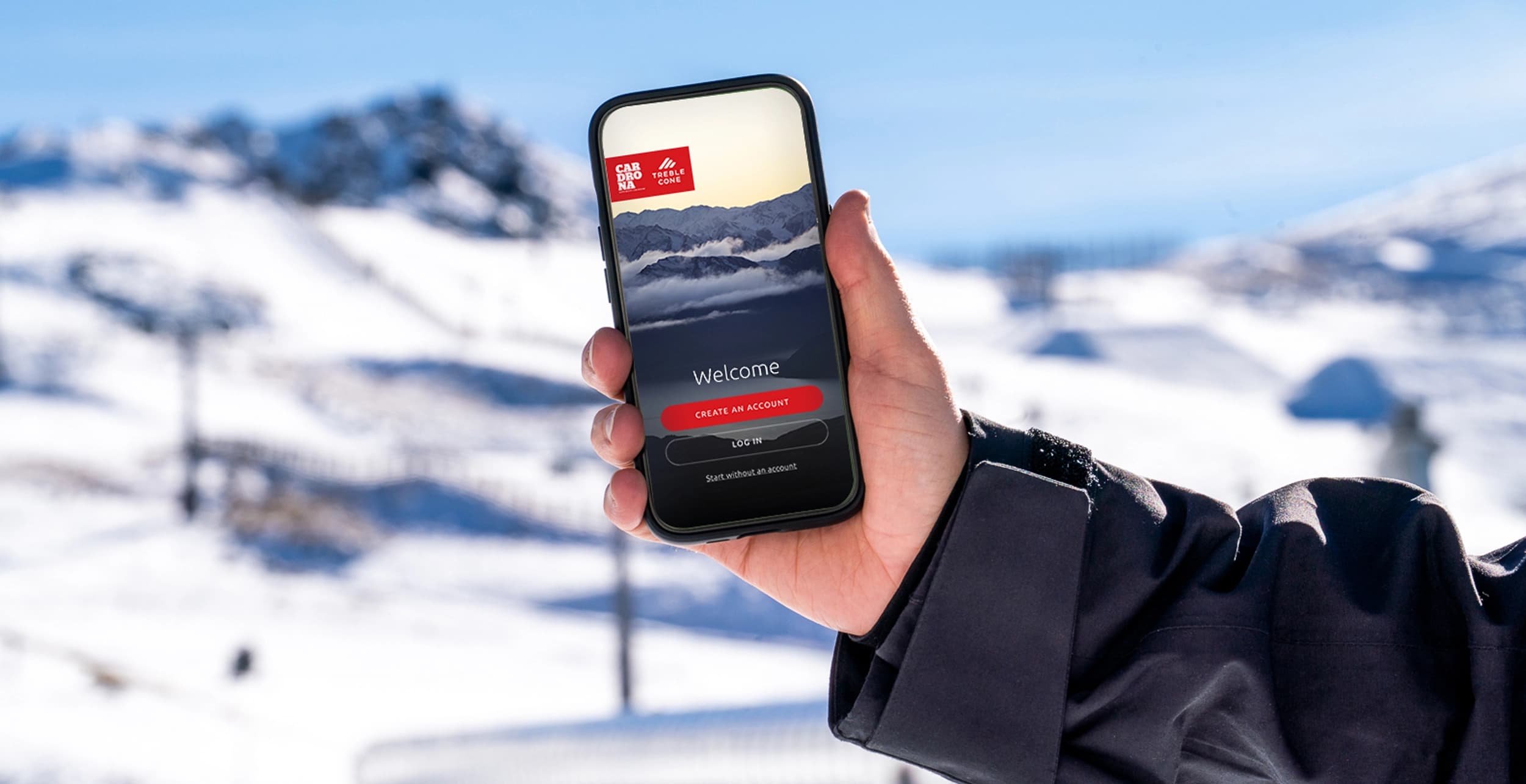
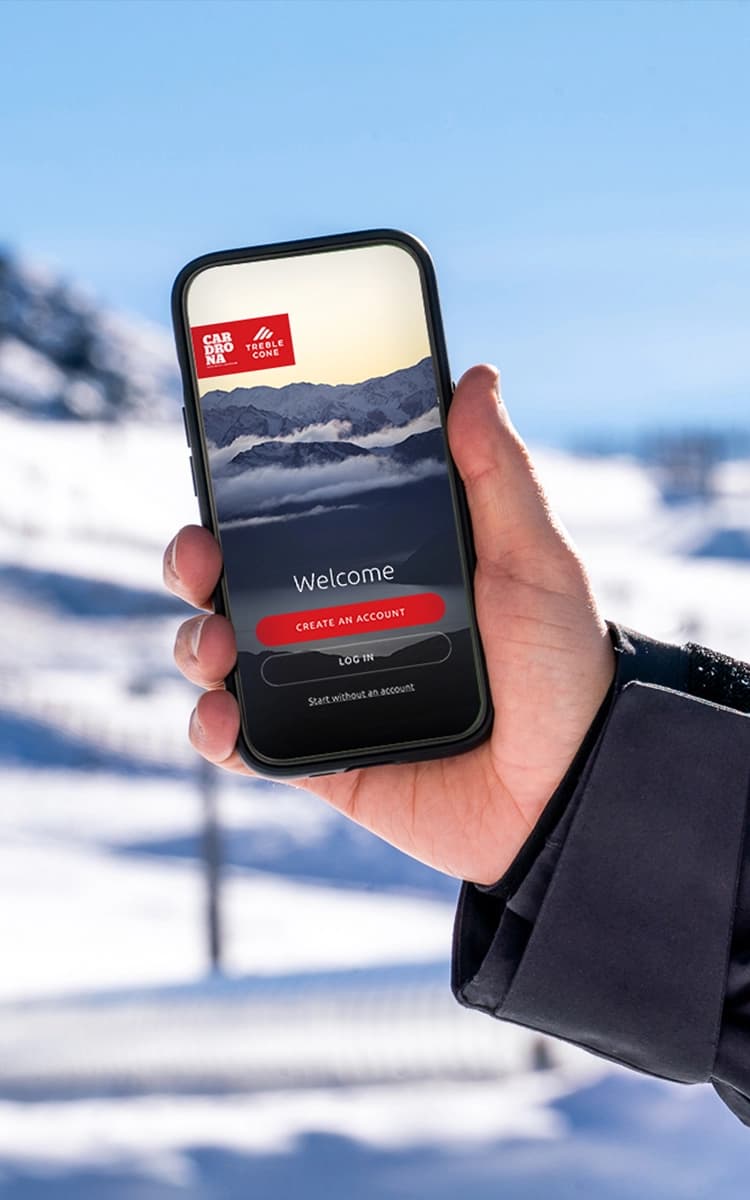
Your digital pass, stats, challenges and live snow and lift updates all in one app.
Your day on the mountain, sorted
App features
Stay in the loop
Mountain Information
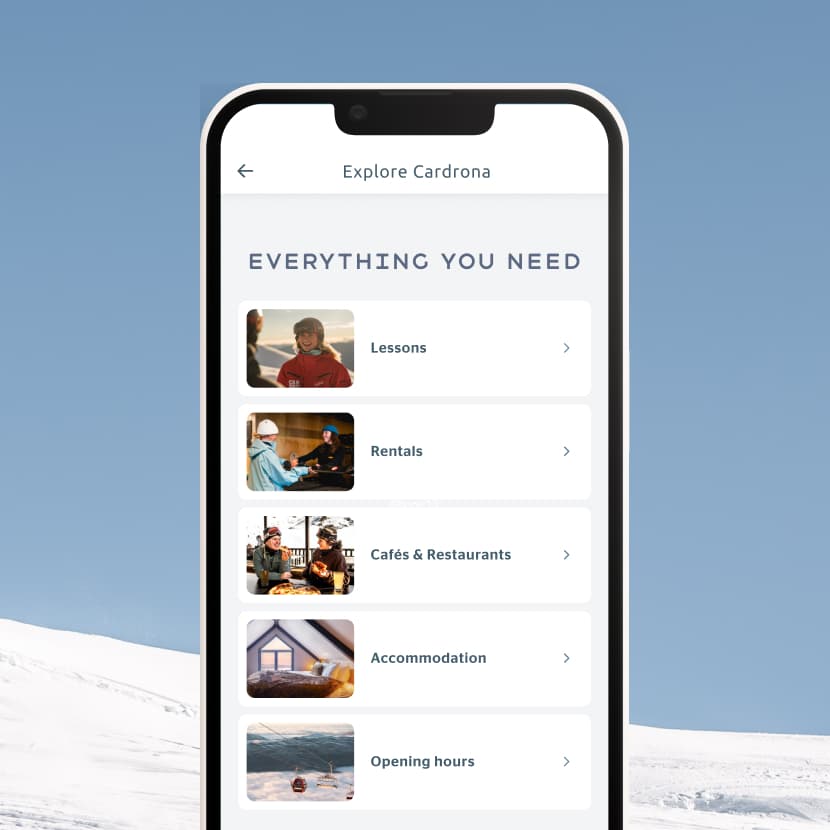
Before you even get out of bed, you can see exactly what's going on up there. Live snow reports, lift status, webcams, interactive maps. If the conditions are firing, you'll know about it.
Your pass, sorted
Lift Pass
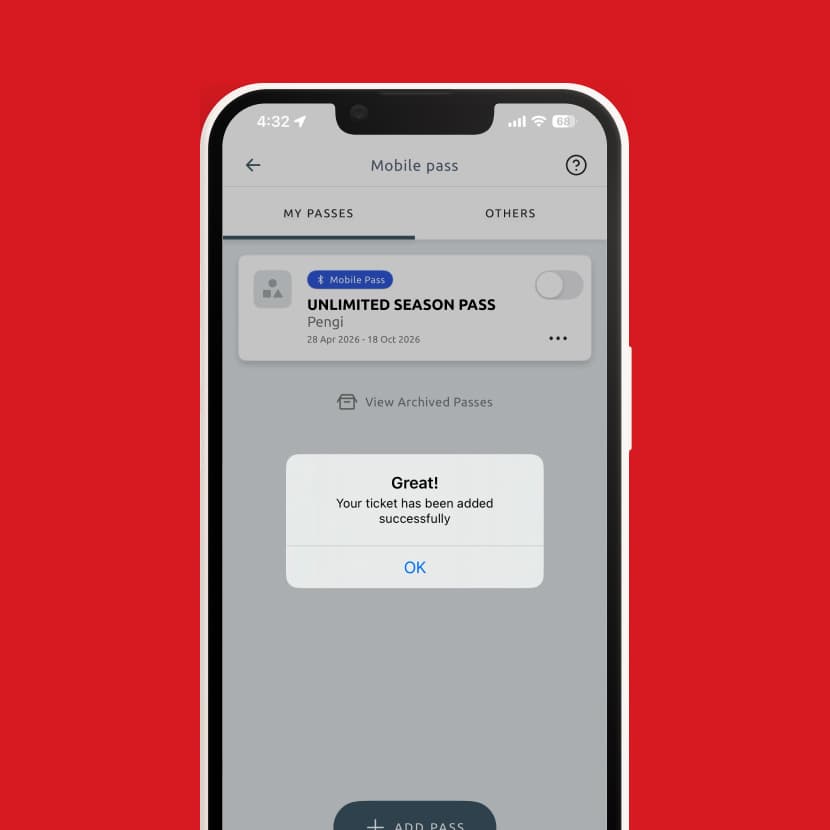
Your lift pass lives in the app. Gate opens automatically, just keep your phone in a pocket on your left side, ideally at chest height. Simple as that.
Track your day
Stats
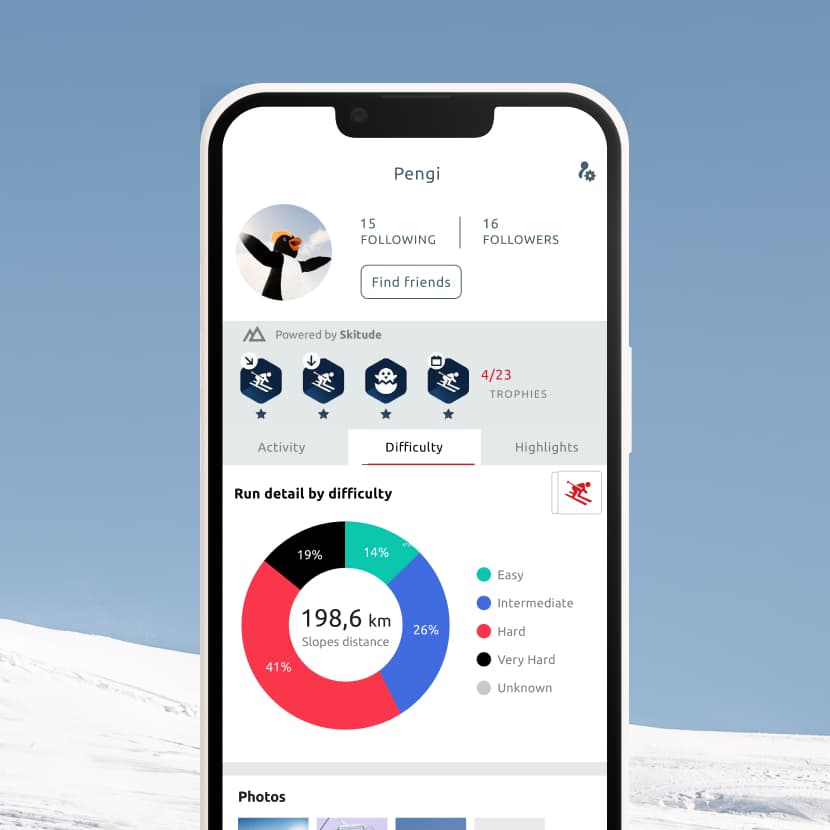
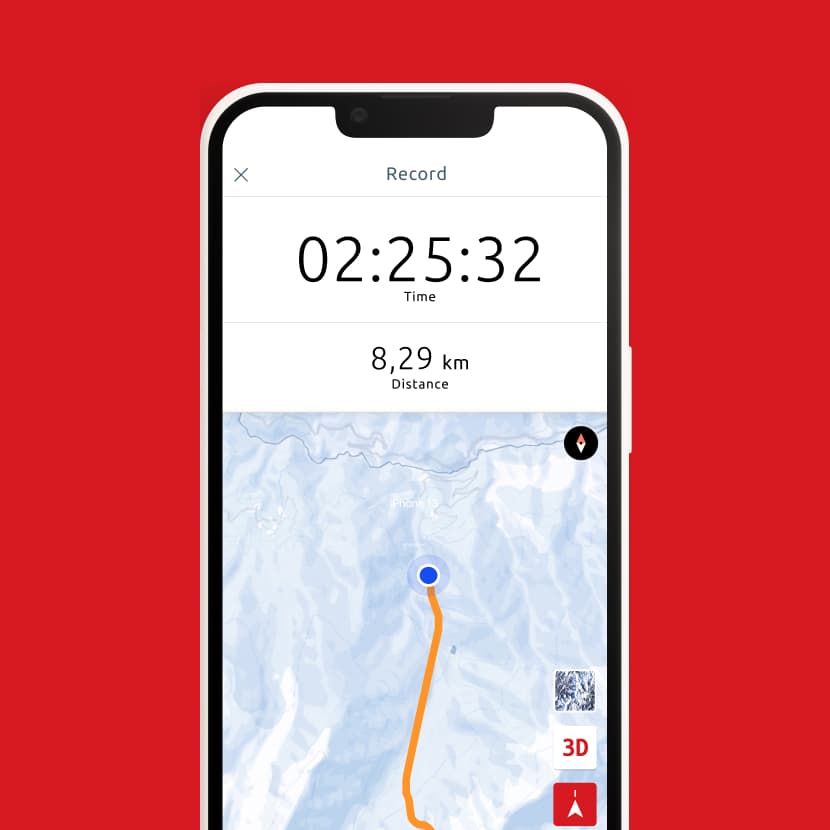
Switch on tracking and watch your stats stack up through the day. Vertical metres, laps, distance- it's all there. Whether you're chasing a personal best or just proving you did that last run, it's pretty satisfying to see it all laid out at the end of the day.
A little friendly competition
Challenges
Jump into seasonal challenges, climb the leaderboard and see how you're tracking against everyone else on the mountain. Bragging rights very much included.
Step by step guide
How to use the app
1. Sign in or create an account: if you’ve logged in to our website before, use your existing log in details.
2. Find your digital ticket confirmation email and follow the link to add your pass to the app.
3. Activate your pass and allow Bluetooth access.
4. You pass is ready: Pop it in a pocket on your left-hand side and it will scan at the gates.
Getting started
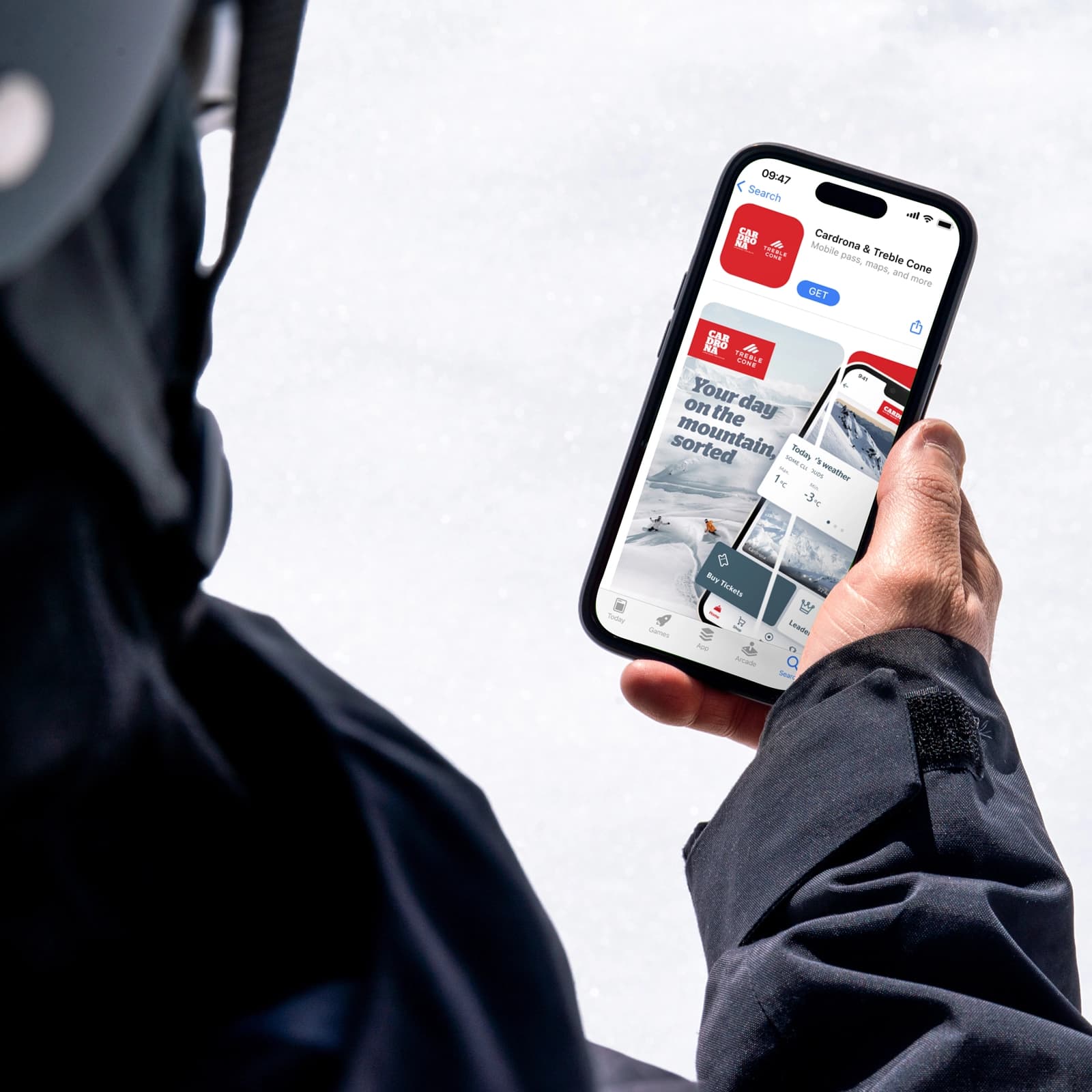
You can download the Cardrona & Treble Cone app in the App Store or in the Google Play Store. Search for ‘Cardrona & Treble Cone’ and install the app on your mobile device.
The app supports iOS and Android mobile devices.
The Cardrona Treble Cone app requires at least iOS 10 or Android 5.0.
Yes!
Yes, if you’ve signed in to the Cardrona and Treble Cone website before the log in will be the same – you can use the app without an account, however you won’t be able to track your day or take part in challenges.
No, your account remains active. If you download the app again, you can log in with your existing account. If you want to delete your account, you can find this under the profile settings.
You can find our privacy policy here.
You can manage push notifications in your phone's settings. Head to Settings, find the Cardrona & Treble Cone app, and toggle notifications on or off. Please note, you’ll need to allow access to Bluetooth for gate access and location services for activity tracking.
Using your pass
Check your inbox - you'll have received an email with instructions on how to activate your ticket. Once you're in the app, head to your passes and toggle your ticket on.
No, keep it in a pocket on your left-hand side at chest height. The gates will automatically pick up your pass as long as it’s been activated.
No, you don’t have to.
No. If you're switching to a digital ticket, please drop your old physical card to any of our guest services offices so we can reuse it.
Power banks are available to hire on the mountain. You'll find these located:
Cardrona
The Atrium (under Noodle Bar)
The ticket offices
Captains Café
Slopeside
Treble Cone
The main café area at base
The first 3 minutes of use are free, then it's $3.50 per hour or $15 per day, with a maximum charge of $45. If a power bank has not been returned after 3 days, it is considered purchased.
You should have received an email with a link to add your ticket. If you booked as part of a group, it may have gone to the person who made the booking, so check with them first. If you're still stuck, call us on 0800 440 800 or email info@cardrona-treblecone.com.
The following pass types currently don’t have BLE capabilities:
Under 6’s
Event entry passes
Sightseeing pass
Half day passes
Learners passes
Lessons and rentals
You'll still need a physical card to check in to your group lesson (including First Timer Packages) but you can use the app to check conditions, access the trail map, stay up to date, and track your day.
You'll still need a physical card to collect your rentals, but you can use the app to check conditions, access the trail map, stay up to date, and track your day.
You'll still need a physical card if you've booked a group lesson, including First Timer Packages, and/or rentals, are under 6 years old, or want to use Cardrona$ at food and beverage outlets.
Families and groups
Each pass needs to be assigned to an individual. This can be done from one log in. To use passes via your phone, the correct pass must be attached to the assigned guests individual phone.
No, everyone will need to carry their own pass or lift ticket, digital tickets or a physical card or lift ticket card to access the mountain.
Physical cards are available from our guest services team or pick-up boxes. Please note that charges may apply. A $10 fee will be charged for a replacement pass. Passes remain the property of Cardrona Resorts.
Yes. Kids (under 17) can access stats and challenges in the app, they’ll need to create / be logged in to their own account on a mobile device.
On the mountain
To track your day, you'll need to create an account and turn on activity tracking at the start of your day, then turn it off at the end - similar to apps like Strava. It uses GPS / location services tracking, so make sure you’ve allowed this in your phone settings. You’ll only show up on overall leaderboards within the App if your profile is set to public.
Open the app and select Cardrona or Treble Cone. Scroll through the homepage for the latest snow reports, lift status and mountain info.
As long as you are tracking activities and have your activity visibility is set to public, you’ll automatically join the challenge. You can open the challenge and click the “Join” button to participate.
Badges are different achievements you can earn within the app. If you’re tracking your skiing and snowboarding regularly, you’ll automatically earn badges.
Navigate to profile, and select the activity tab.
Troubleshooting
If your pass isn’t working, make sure that your pass is turned on and enabled in the app. You’ll also need to ensure that there is an image on your profile. If you’re still having issues, chat to one of our friendly lifties at the gate.
Contact our guest services team on 0800 440 800 or email info@cardrona-treblecone.com.
Yes, internet connectivity is required for general app usage and syncing data.
However, for activity tracking specifically you can start and record GPS tracks while offline. Once the user finishes recording, the track can be saved locally on the device. When internet connectivity is restored, the tracked activity will automatically sync.

Buy online and save!
Lift Passes
Secure your Winter ’26 Cardrona and Treble Cone lift pass and experience the largest ski area in New Zealand
Learn More
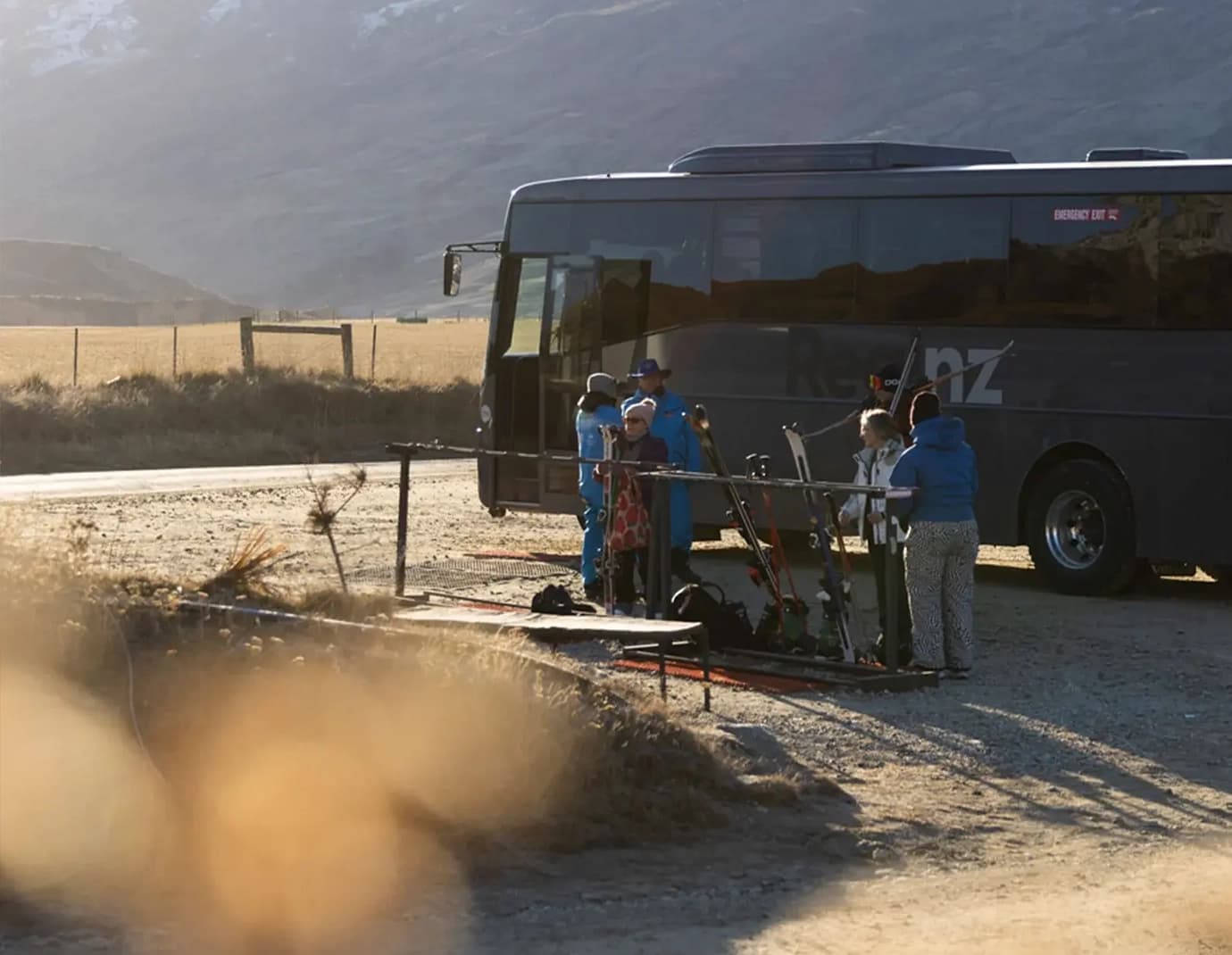
Shuttles, busses and directions
Getting Here
Make your travel easy and sustainable by catching the free mountain road shuttles or our bookable bus service
Learn More